For coaches
For coaches
Three practical things: how to run the board in an online session, what to say when a client asks where their family ends up, and what to do when you actually need a record.

Running it in an online session
Decide who has the mouse
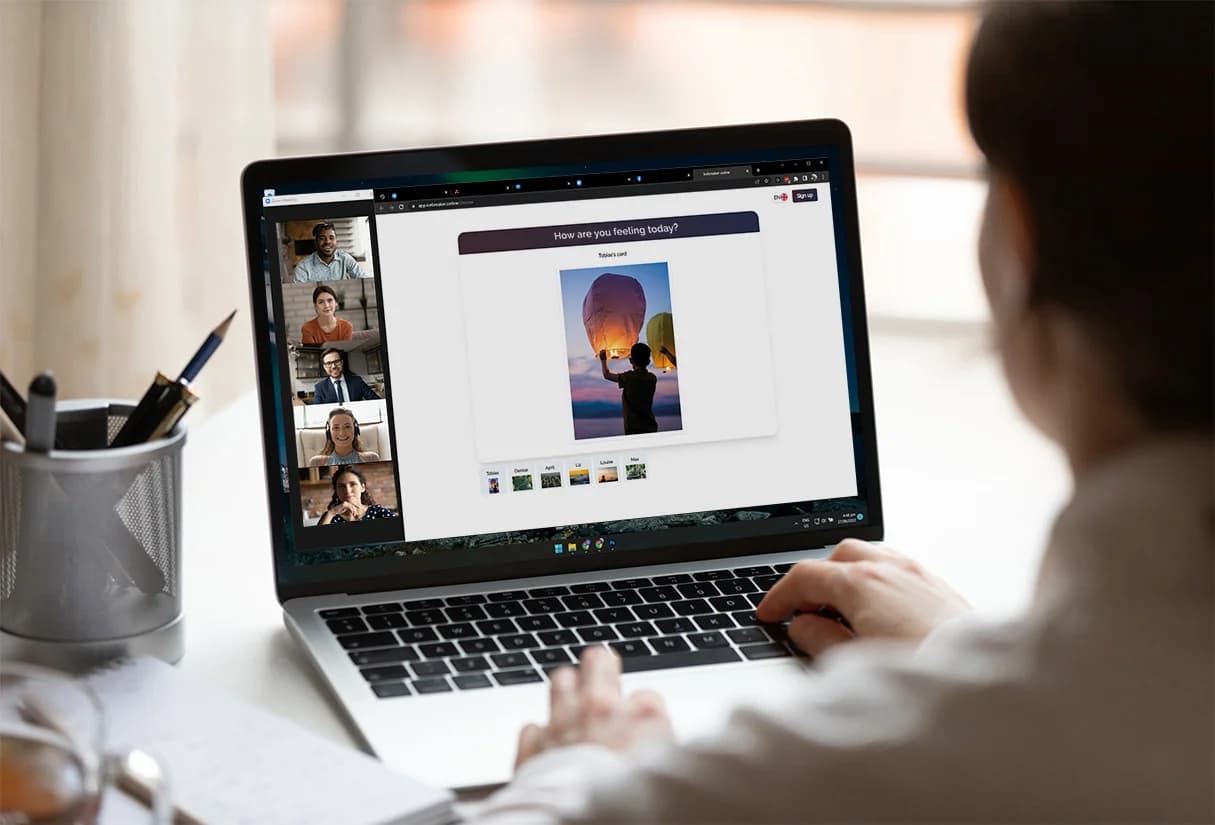
Either you share your screen and the client directs you, or the client opens the board and shares theirs. The second is better when it is possible: the hands should belong to the person whose system it is. The first is fine when the client is not confident with software, as long as you place exactly what you are told and nothing more.
Narrate more than you would in a room
You cannot see a hand hesitate over a figure, and they cannot see you notice. Say what you observe out loud. "You have had that one in your hand for a while."
Use the field of view early
It is the fastest way to make an online board feel like more than a drawing tool, and it usually produces the first real reaction of the session.
Take a screenshot at the first arrangement
You will want it at step six, and by then the board has moved. This is the one piece of housekeeping worth doing mid session.
What to tell a client about their data
It is a fair question and it comes up more in German-speaking practice than anywhere else. The honest answer for this board is short: the board runs in your browser, nothing is uploaded while you work, no account is attached to it, and there is no session record because there is no session.
That is a stronger statement than encryption. Other online boards store your client's constellation and protect it well. This one does not store it at all, which means there is nothing to leak, subpoena or breach.
The catch, stated plainly
Because nothing is stored, closing the tab on another device means the board is gone. The board stays in the browser you built it in, on that machine. If you need it to survive properly, that is what an account is for.
When you need a record
Supervision, a longer engagement, or a client who wants to see in October what they built in March. For those, a free metaFox.online account keeps boards after the tab closes, ties them to a client record, and puts them in a coaching session next to your other tools.
metaFox.online is a coaching platform for exactly this: sessions, clients, whiteboards and a set of coaching tools in one place. The board on this site is the same board, made free and standalone so anyone can try the method without signing up for anything.
Where the board fits in a session
| Moment | What the board does |
|---|---|
| Client cannot describe the situation | Gives them something to do with their hands instead of finding words |
| Two accounts of the same event | Two boards, side by side, without an argument about which is right |
| Stuck in analysis | Moves the conversation from why to where |
| End of an engagement | Rebuild the first board and compare. The difference is the evidence. |
| Team workshop | One shared picture that nobody had to agree to in advance |
Try it on your own situation
Free, no account, and nothing is uploaded. Place a few figures and see what the distances tell you.